Procedural Snow Material
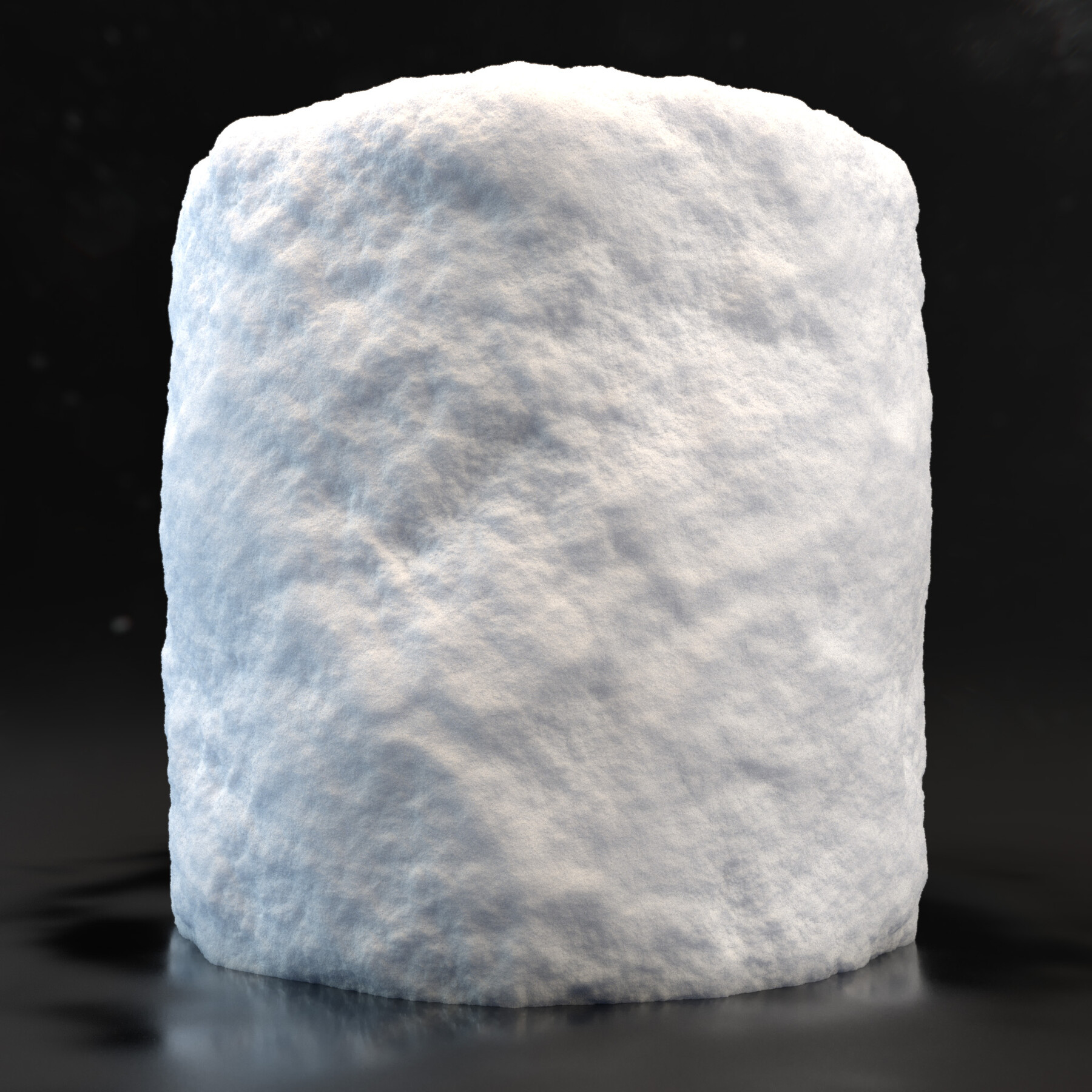
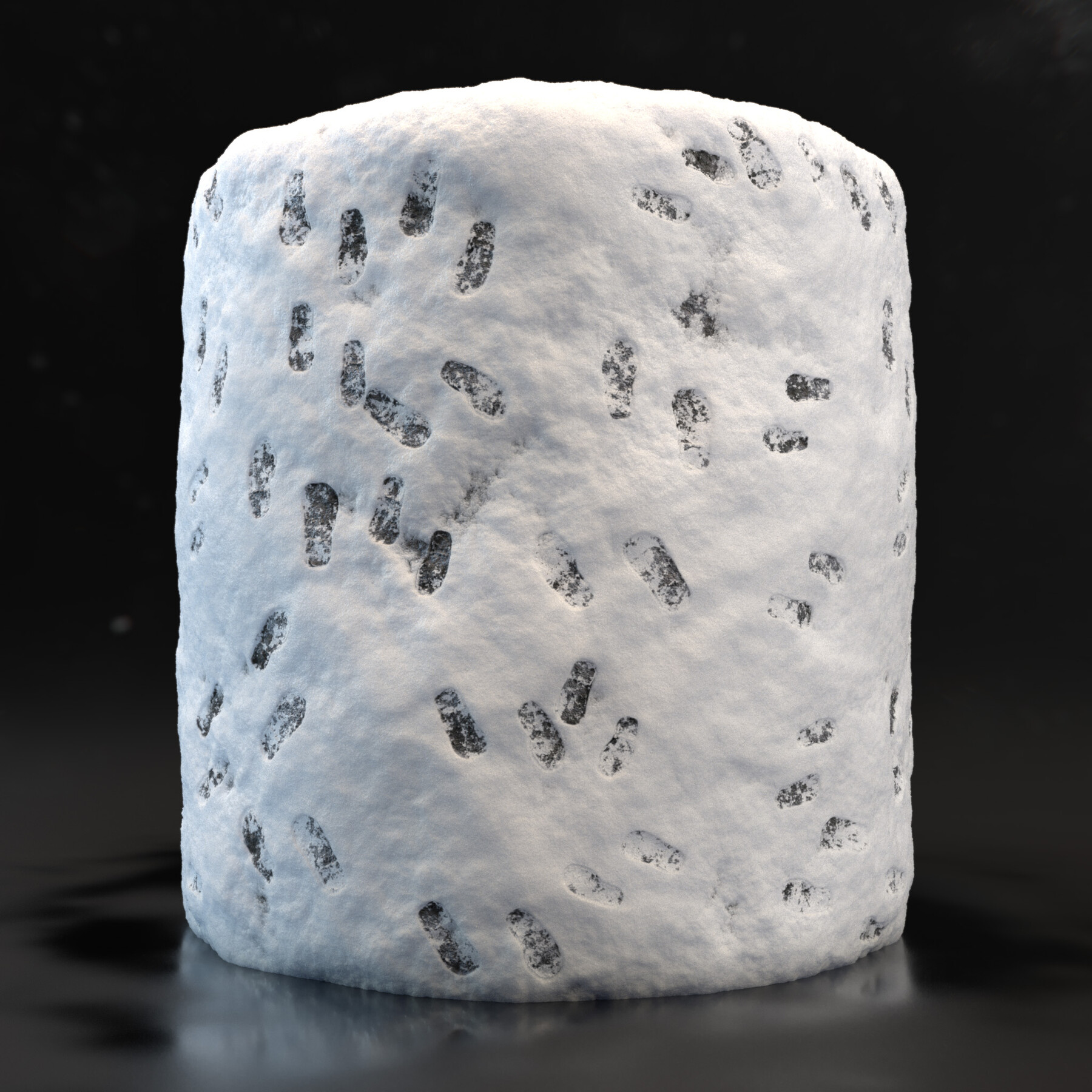
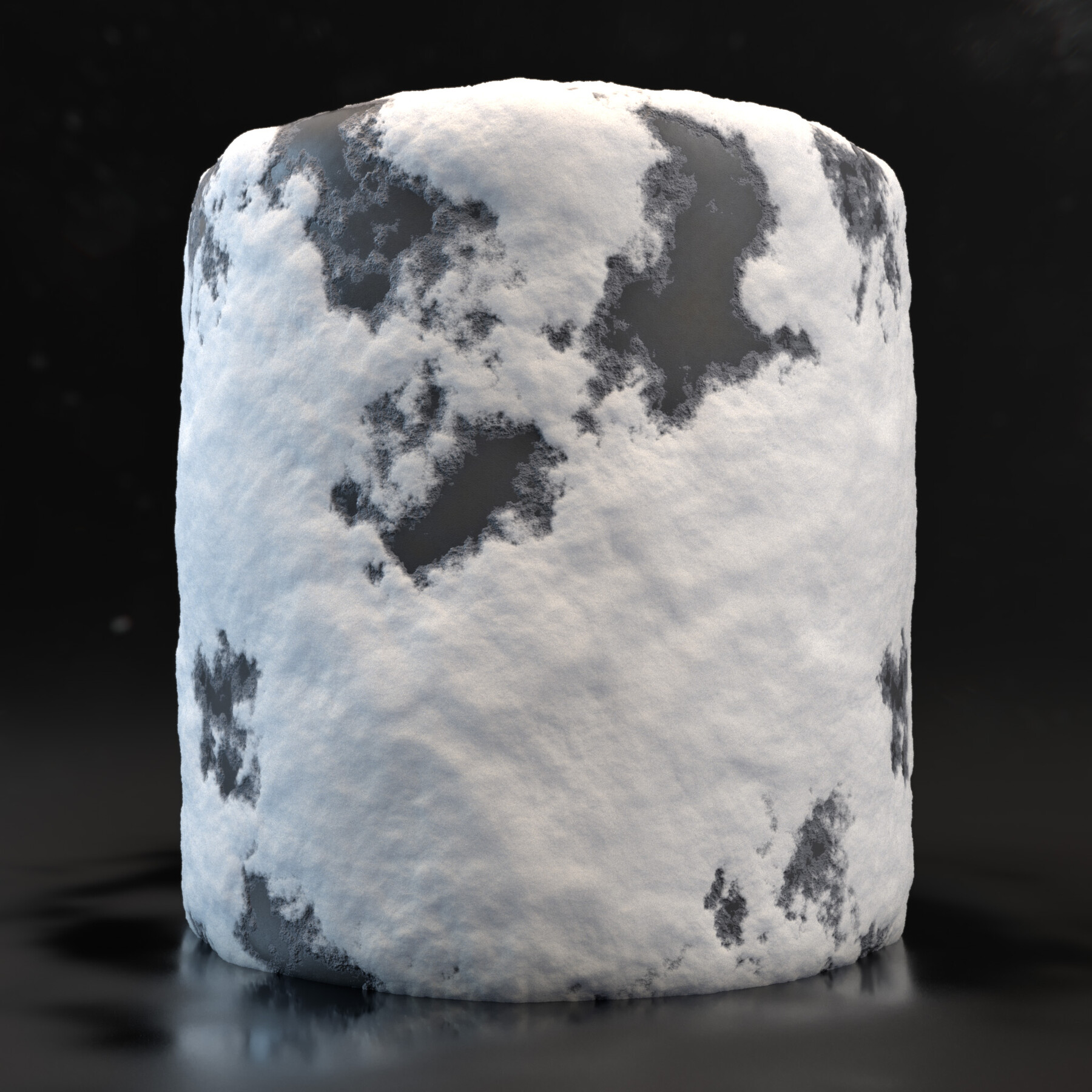
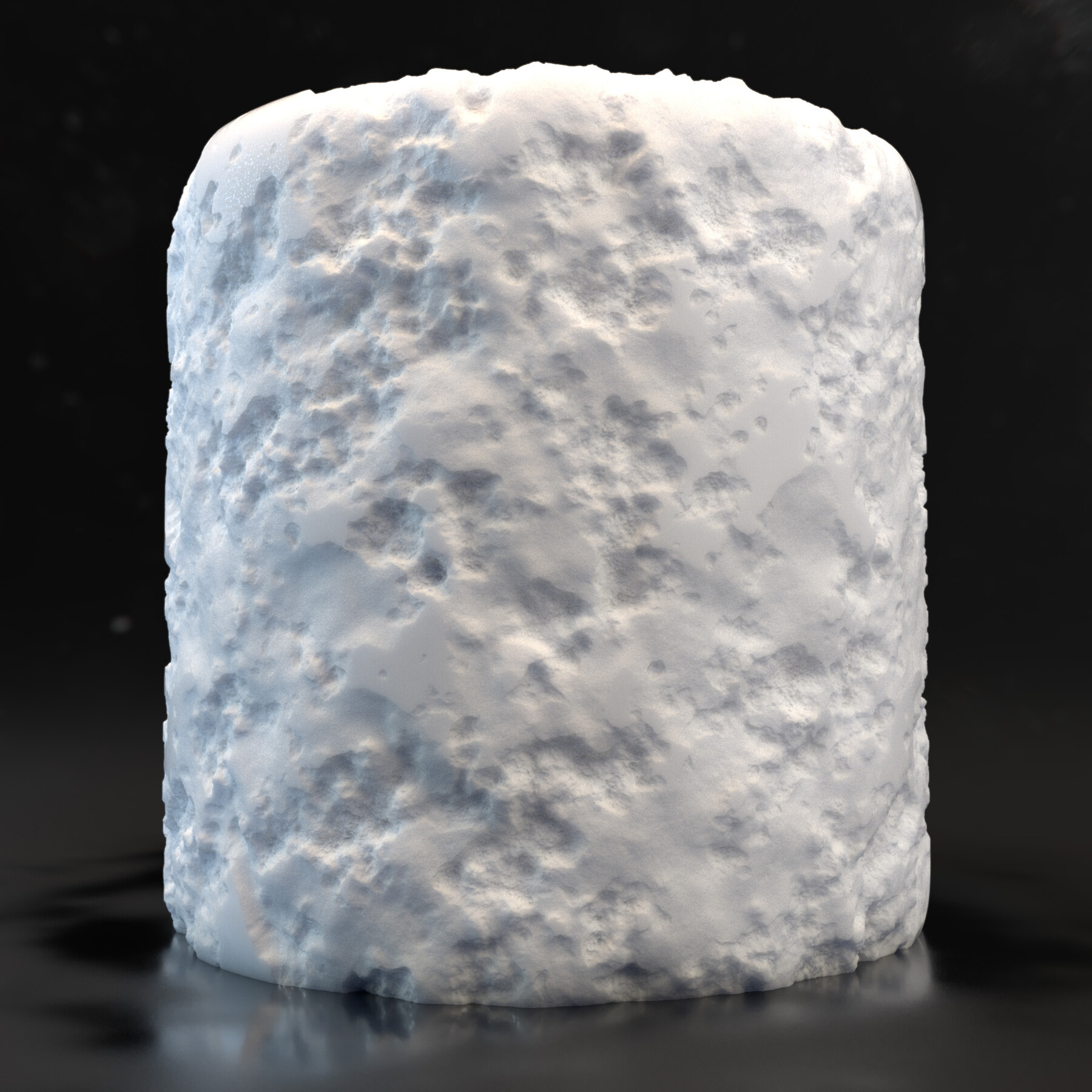

PROCEDURAL SNOW MATERIAL WHAT YOU WILL GET
- “.sbs” Substance Designer file with complete Graph Nodes.
- “.sbsar” Substance Painter file, ready to be imported as BaseMaterial in Substance Painter.
- “.ma” Maya presentation File with the Snow_aiStandardSurface material set to be used with Arnold Render.
- Texture Folder with 4 Different Textures Variations with all maps
(BaseColor, Metallic, Roughness, Normal, Height, AmbientOcclusion, SSS) - Written Tutorial on how to use Displacement in Maya Arnold
The creation Flow of Snow Material should be divided in two different workflow, the Height
and the Color creation. From which I also obtained the Normal, Ambient Occlusion, Curvature and Roughness Maps.
Snow Material simplify the Snow creation with easy customizable Parameters inside of both Substance Designer and Substance Painter.
WITH THE “.SBSAR” FILE IN SUBSTANCE PAINTER YOU CAN CHANGE
- The shape of the Snow Flakes.
- Snow Displacement Disorder.
- Add Foot Prints.
- Control Dirt amount.
- Add Water Level with puddles.
- Add Frost on Water.
HOW TO USE PROCEDURAL SNOW MATERIAL
Once you have opened your file in Substance Painter, you can easily drag your “Snow_Material.sbsar” inside your canvas and import it in the Project File.
Just Fill your Snow Object or everything you want to texture with Snow Material and modify each parameter to obtain your custom Snow Material.
Last but not least in the Zip File you will also Find a Tutorial about How to Correctly use Displacement Map inside of Arnold Maya.
Thank you for your purchase and for your support! Hope you will find this asset useful for your future amazing Works!
Please Rate the product! Thank you!
Follow me on Instagram or ArtStation if you want.. It will be a pleasure: